

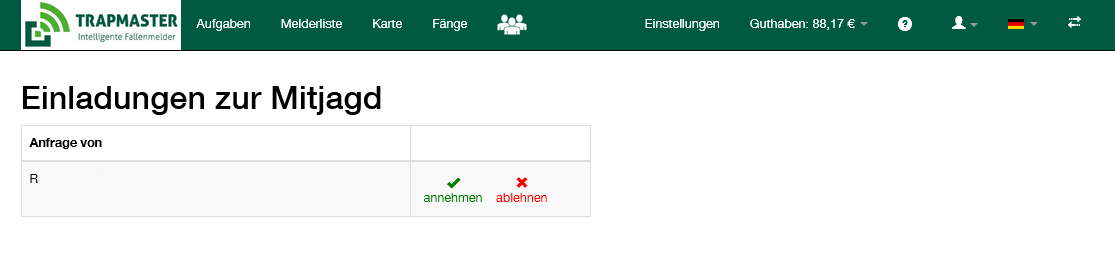
After the invitation has been accepted by the fellow hunter, the main user still needs to define which devices are to be shared with the fellow hunters.
To do this, you must click into the respective fields. In their user account, a fellow hunter always sees only a single device list, consisting of the “fellow devices” shared with them (marked with a “heads” icon) and, if applicable, their own trap alerts:
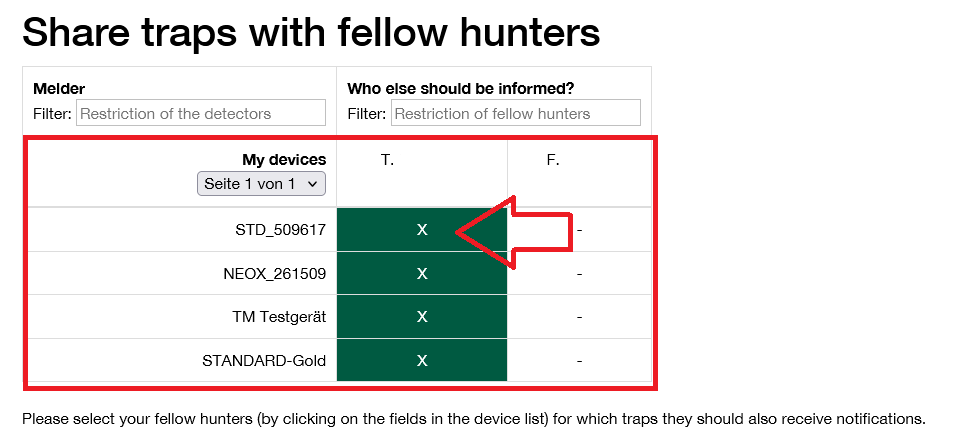
Please select your fellow hunters (by clicking the fields) for the traps for which they should also receive notifications.
Each fellow hunter can configure their preferred notifications and reporting times individually in their user account, exactly as they wish. This relieves the main user of administrative tasks and creates clarity and acceptance among the fellow hunters.
Please note: For fellow hunters, keep SMS notifications and call on catch disabled if not needed. Only then is operation completely free for each fellow hunter.