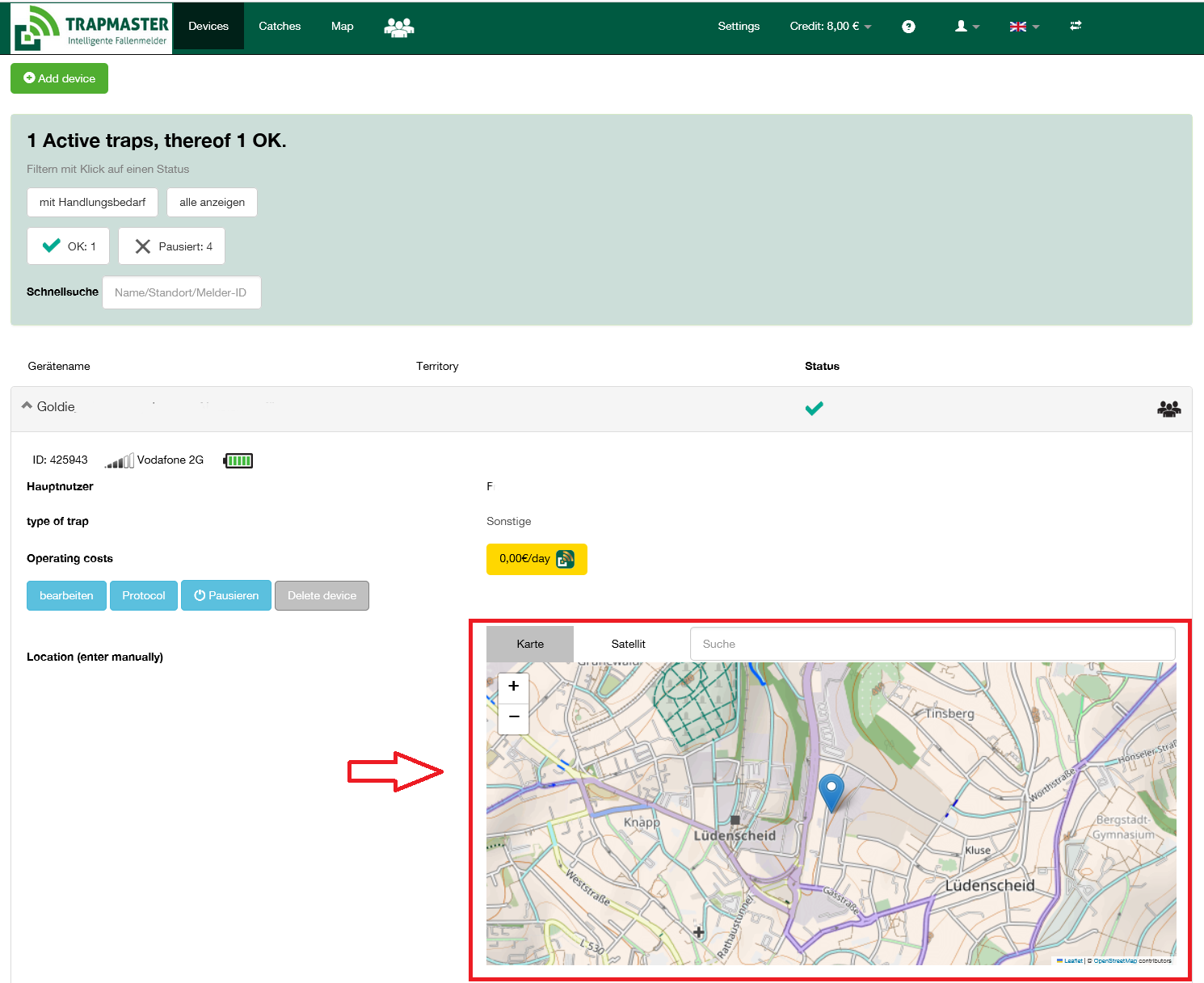

Most customers do not want us to automatically determine and display a trap location,
meaning automatically showing the location on the map. The devices do not have
GPS functionality.
Most customers also do not want the additional costs associated with GPS, which is why
we decided not to integrate GPS. In most cases, customers prefer to set the exact
location themselves. You can manually set the map position of your
trap with the TRAPMASTER®:
Enter the location as an approximate selection in the map search.
- On a PC, you can then place the trap at the desired position with a mouse click.
- On a mobile phone, move the map with 2 fingers. By tapping
the desired position, the icon will jump to the selected location.