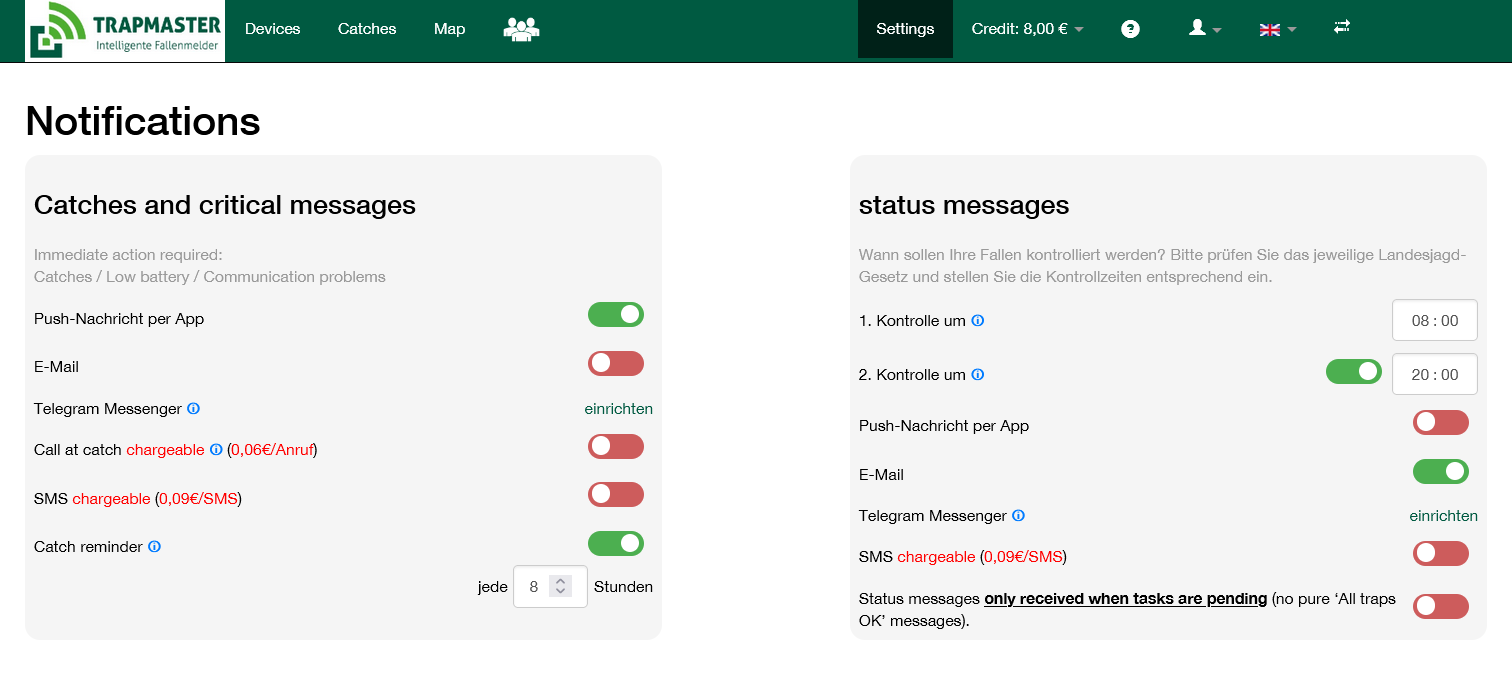

Now go to the “Settings” menu item
- Here you can select your preferred notification options.
- Please note that changes to the monitoring intervals will only take effect after the next communication between the trap alert and the server.
- You also have the option here to suppress pure “OK messages” (without any required action)
(bottom right).